Buying guide · Music & Luthier
How to repair sticky or unresponsive keys on a digital piano or keyboard
Short answer
For a digital piano or keyboard, sticky or unresponsive keys are usually repaired by opening the keybed, cleaning the key pivots and contact area, and replacing worn conductive rubber contact strips that no longer trigger reliably. If a key is physically damaged or rubbing because of broken key parts, replace the affected key surface or internal contact parts only after confirming the exact fit for your instrument.
Start by identifying whether the problem is mechanical or electrical
The first step is to separate a sticky key from a silent or intermittent key. A sticky key usually points to dirt, debris, liquid residue, a warped key part, or a rubbing point in the keybed. An unresponsive key that still moves normally usually points to worn internal contacts under the keys.
On many digital keyboards, the electrical side is handled by a conductive rubber contact strip. Parts such as Digital Piano Conductive Rubber Strip, Keyboard Touch Point Strip, and Conductive Keyboard Rubber Strip sit under the keys and touch the circuit board when you press a note. When those contacts wear out or get contaminated, the key may trigger weakly, only at some velocities, or not at all.
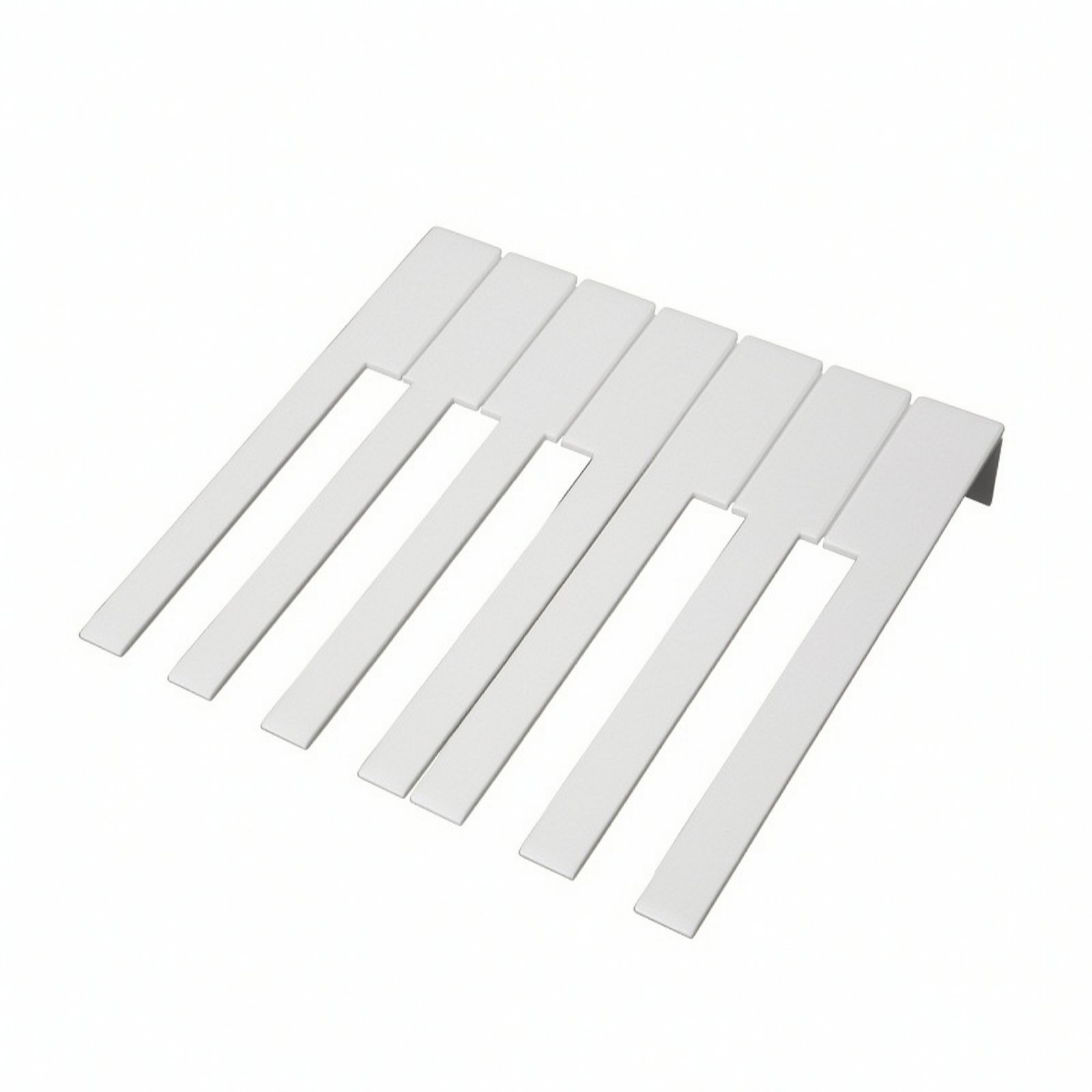
A visibly chipped, cracked, or rough key surface can also affect feel and travel. If the problem is a damaged keytop rather than the contact below it, a replacement such as Piano Key Replacement Heads may be part of the repair, but only after you confirm the shape and attachment style match your keyboard.
Before ordering parts, inspect the exact area under the bad keys. Look for dust buildup, dried spills, bent springs if your model uses them, broken plastic tabs, and contact strips that look compressed, torn, or misaligned. If you cannot verify fit from the service information for your instrument, pause and confirm compatibility instead of guessing.
Choose replacement parts by function and exact fit
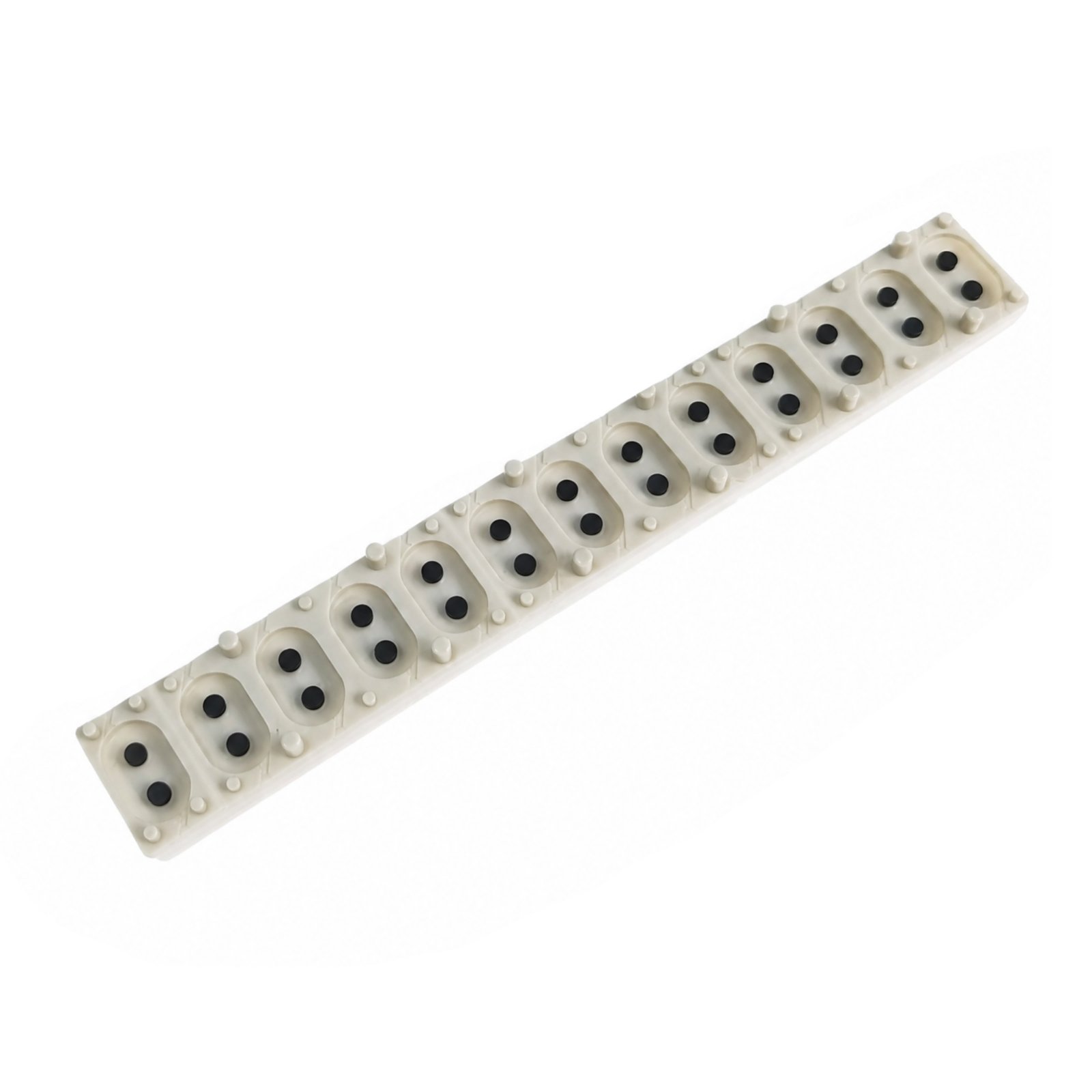
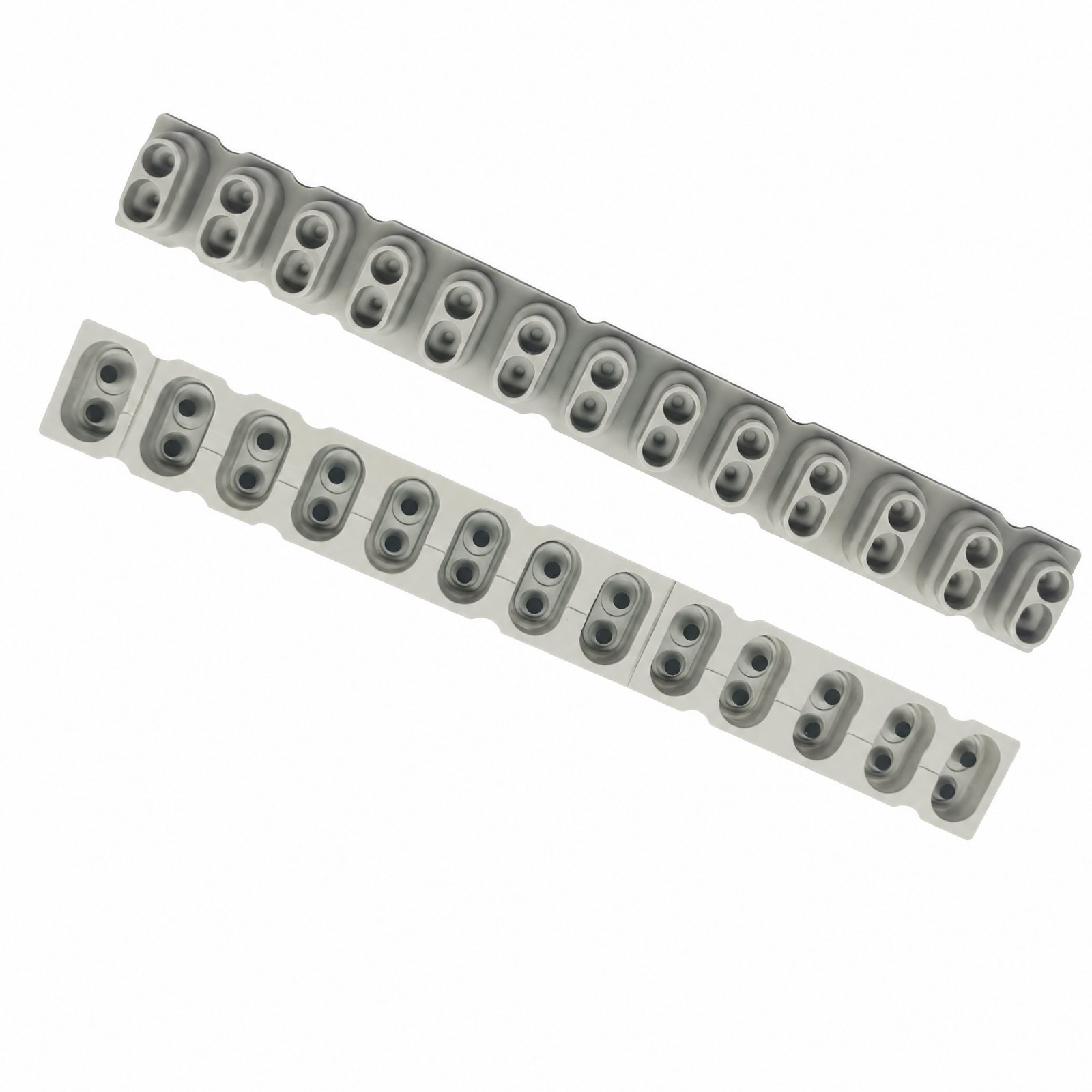
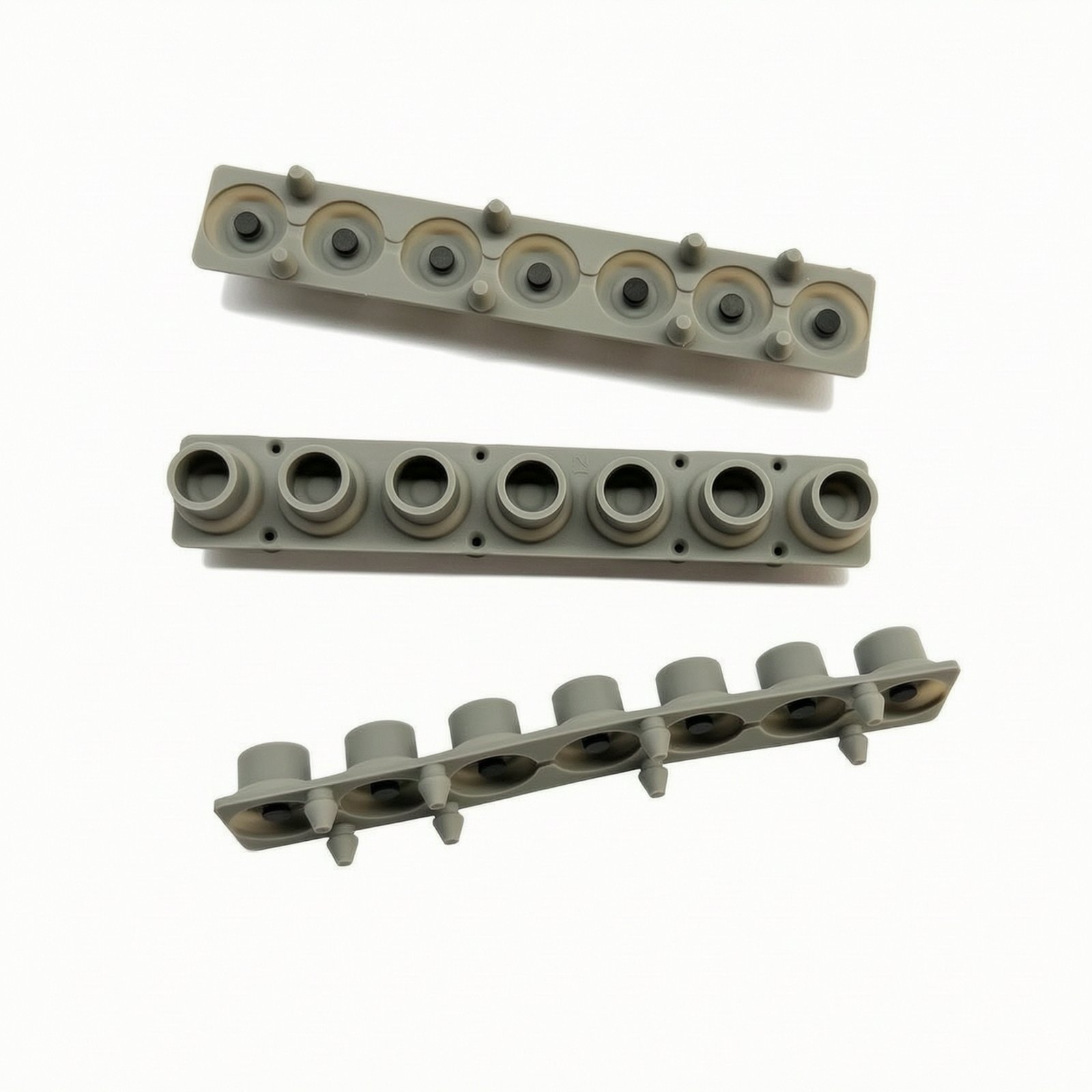
For unresponsive keys, the main thing to match is the contact strip layout. The strip must match the key group, mounting style, and contact spacing used by your keyboard. Keyboard Touch Point Strip is a touch point strip for a 13 key section, while 7- Keyboard Conductive Rubber Strip is built with 7 key positions, so the right choice depends on how your keybed is divided internally.
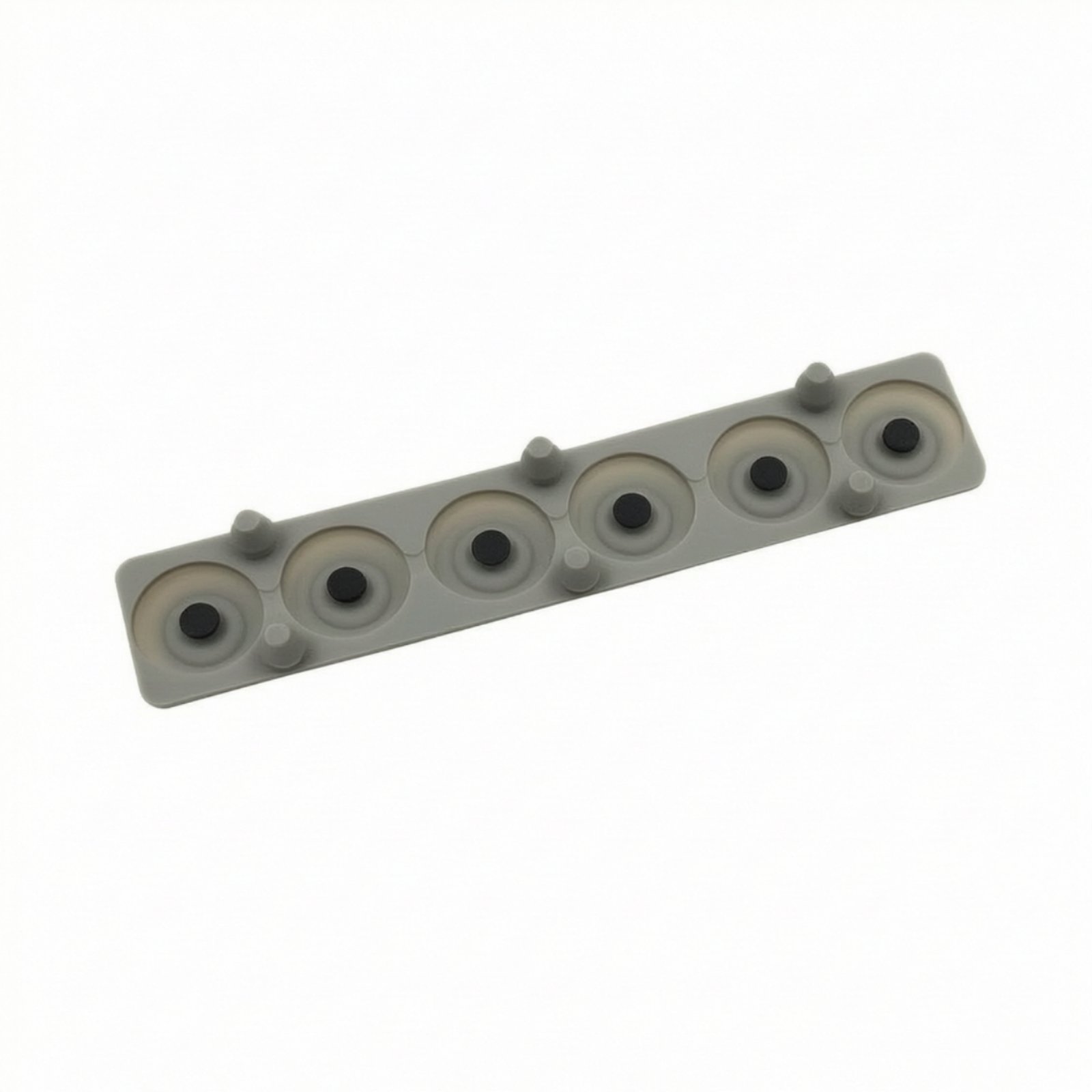
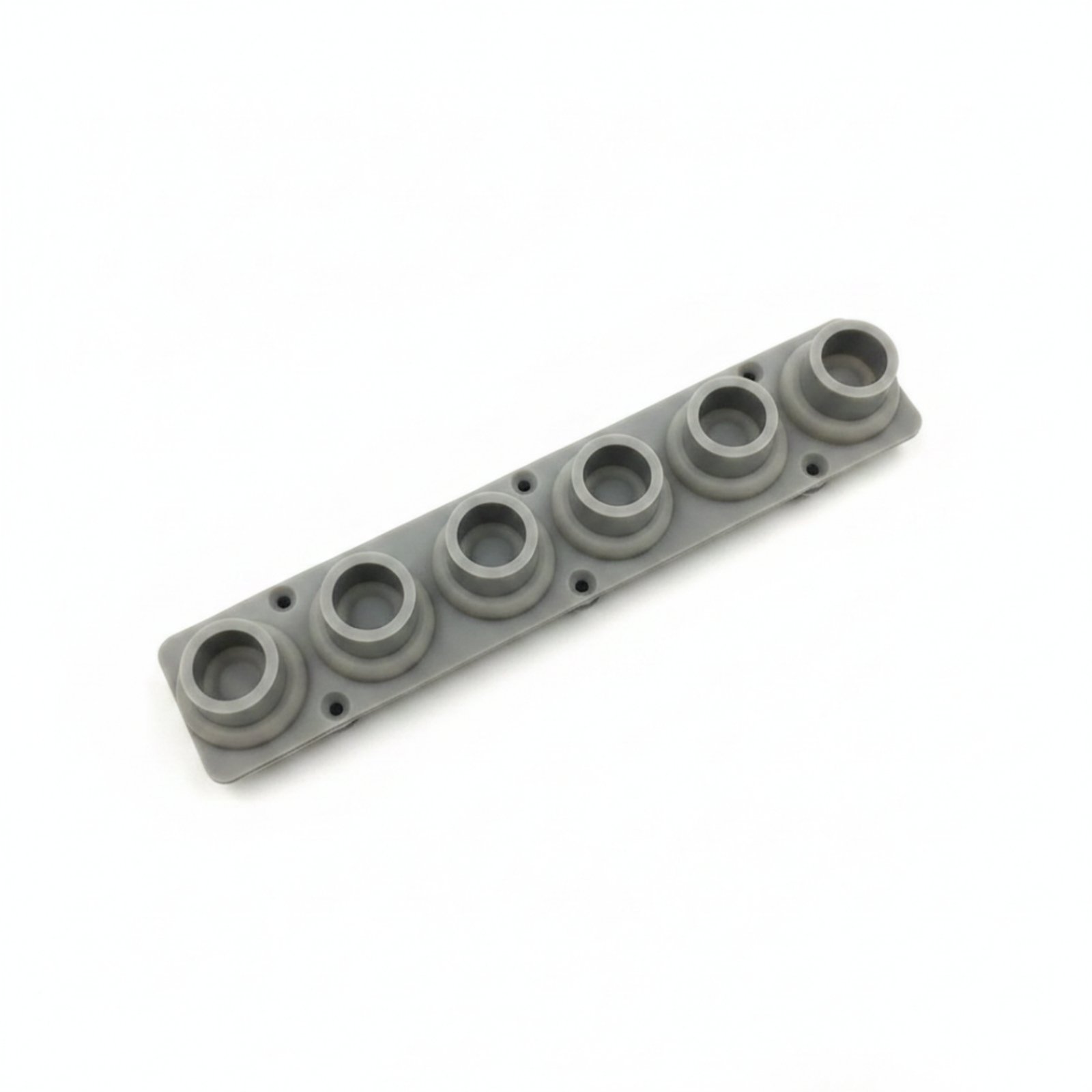
Also check the mounting details. Conductive Keyboard Rubber Strip has six evenly spaced circular positions and molded mounting pegs, which matters because the strip has to sit flat and line up with the board contacts. Synthesizer Rubber Replacement is another internal keyboard rubber replacement meant to sit between the keys and circuit board, so it is useful when the original strip has lost response or no longer makes clean contact.
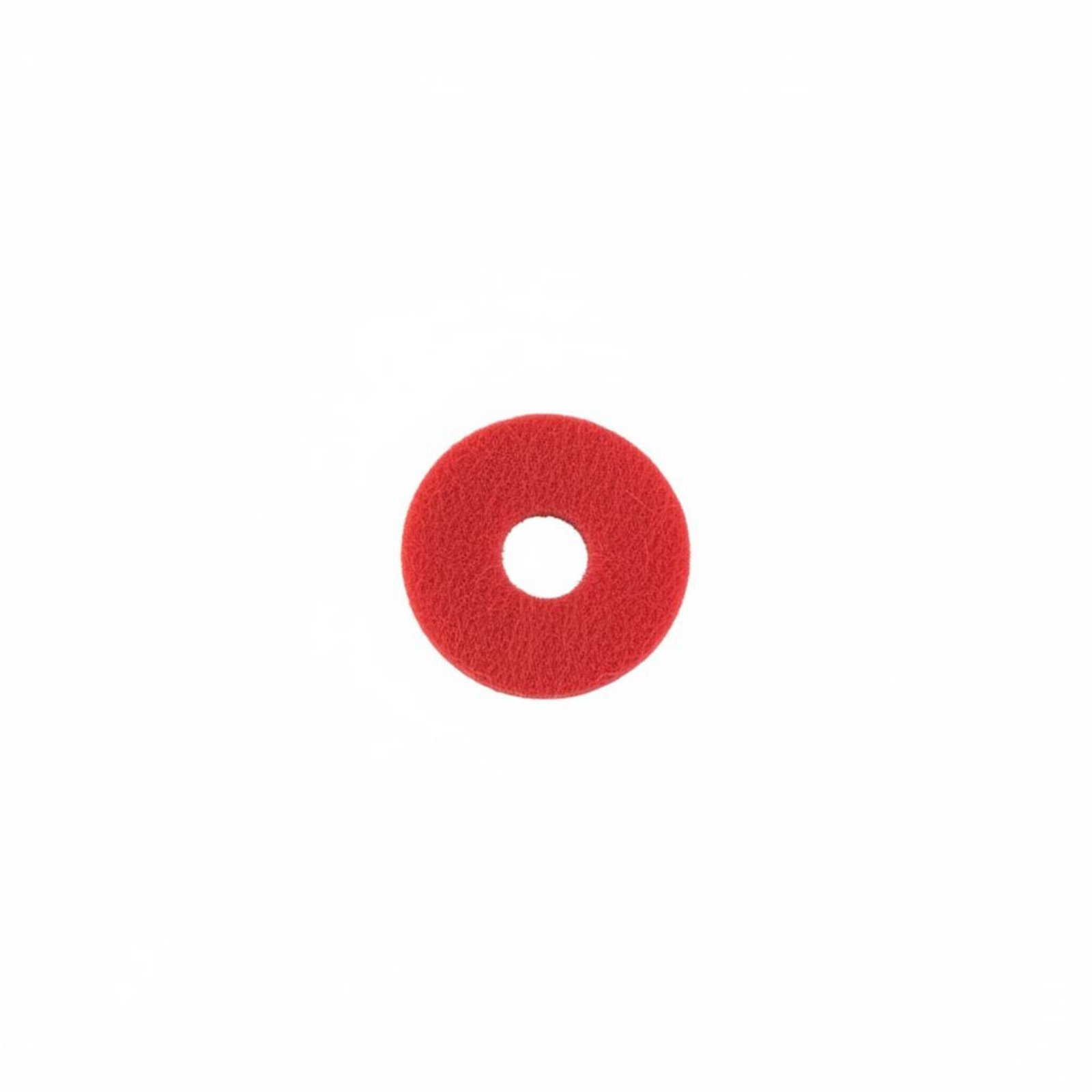
If the key motion feels rough rather than electrically dead, look at the mechanical pieces around the key. On acoustic-style service work, felt washers like Piano Key Washer Burgundy Felt are used for spacing and cushioning, but a digital keyboard owner should treat that as a specialist part only if their mechanism actually uses a similar washer arrangement. Do not assume a felt washer fixes electronic key triggering.
If a keytop is cracked, discolored, or damaged enough to interfere with playing, Piano Key Replacement Heads can help recondition the playing surface. That type of part changes the touch surface, not the electrical contact underneath, so it solves appearance and physical damage issues rather than dead-note problems by itself.
How the pieces work together during a repair
A digital keyboard key pivots when pressed, then pushes down onto an internal contact system. The conductive rubber strip is the link between the moving key and the circuit board. When the strip is clean, aligned, and in good condition, the board sees the key press and the instrument produces sound as expected.
That is why a repair often has two parts: restoring free key movement and restoring reliable contact. If the key sticks, clean the keybed, key sides, and pivot points first. If the key moves normally but does not sound, inspect and clean the board contact area carefully and replace the worn strip with the correct section such as Digital Piano Conductive Rubber Strip or 7- Keyboard Conductive Rubber Strip when cleaning alone does not restore normal response.
Work methodically by keeping screws and key groups organized in order. Take photos before removing parts so each spring, strip, and key returns to the same position. Reassemble loosely at first, test the repaired notes, and then finish tightening once you know the keys travel evenly and the contacts register consistently.
If several adjacent keys fail together, that often points to one shared strip rather than multiple separate key problems. In that case, a grouped replacement like Keyboard Touch Point Strip or Conductive Keyboard Rubber Strip is more likely to address the root cause than replacing one visible key part.
Common mistakes to avoid
The biggest mistake is buying a contact strip just because it looks similar. These parts are shaped for specific key groups and mounting layouts, so the wrong strip may not line up with the board even if it seems close. Confirm the exact section used by your keyboard before choosing among Digital Piano Conductive Rubber Strip, Keyboard Touch Point Strip, Conductive Keyboard Rubber Strip, Synthesizer Rubber Replacement, or 7- Keyboard Conductive Rubber Strip.
Another common mistake is treating all bad keys as an electrical problem. Sticky travel, slow return, or side rubbing can come from dirt, liquid residue, or damaged plastic. In that case, replacing a conductive strip alone will not fix the feel.
Avoid heavy lubricants and harsh cleaners. They can attract more dirt or damage nearby materials. Use only methods appropriate for delicate electronics and key mechanisms, and make sure everything is fully dry before testing.
Do not replace a keytop to solve an unresponsive note unless the keytop is actually broken. Piano Key Replacement Heads is for the playing surface, while the strips below the key handle signal registration. Likewise, do not use Piano Key Washer Burgundy Felt unless your mechanism truly calls for a felt washer during setup or repair.
A typical kit
- Keyboard Touch Point StripUse this when your keyboard needs a replacement touch point strip for a matching 13 key section under the keys.
- Conductive Keyboard Rubber StripChoose this for a compatible six-position contact section where the original strip is worn, damaged, or no longer registering presses cleanly.
- 7- Keyboard Conductive Rubber StripThis helps restore response on a compatible 7 key section by replacing the internal conductive strip beneath the keys.
- Synthesizer Rubber ReplacementUse this as a replacement internal rubber contact part when the existing strip has lost consistent triggering on a matching model.
- Piano Key Replacement HeadsPick this when a key surface is physically damaged and the repair needs a replacement key head rather than only contact work.
- Piano Key Washer Burgundy FeltKeep this for technician-style action setup work only if your instrument mechanism uses felt washers for spacing or cushioning.
Questions people ask
How do I know whether I need cleaning or a new contact strip?
If the key moves freely but gives no sound, double triggers, or uneven response, the contact area under the key is the first place to inspect. If cleaning the contact area does not restore normal operation, a replacement strip like Digital Piano Conductive Rubber Strip or Conductive Keyboard Rubber Strip is often the next step on a compatible keyboard.
Can one bad strip cause several keys to fail at once?
Yes. Many keyboards group neighboring keys onto one internal rubber contact strip, so several adjacent dead or weak notes can come from one failed section. That is why grouped parts such as Keyboard Touch Point Strip or 7- Keyboard Conductive Rubber Strip are important to match correctly.
Will a replacement keytop fix a dead note?
Usually no. A keytop part like Piano Key Replacement Heads addresses the physical playing surface when it is cracked, worn, or damaged, but the note triggering is usually handled by the contact strip underneath. Replace the keytop only when the plastic surface itself is the problem.
Are these rubber strips universal for any digital piano?
No. They must match the internal layout, number of key positions in the section, and mounting style used by your instrument. Before buying Synthesizer Rubber Replacement or any similar strip, confirm the exact section and fit from your service information or by comparing the original part carefully.
What if the key feels sticky after a spill?
Start with cleaning and inspection before ordering parts. Sticky motion after a spill often comes from residue around the key pivot or side guides, while electrical failure can happen later if residue reaches the contact strip. If the key still does not trigger correctly after cleaning and drying, then inspect the internal contacts and consider a compatible replacement such as Keyboard Touch Point Strip.
Shop the list
Everything mentioned above
Prices and delivery windows are live from our catalog.
Digital Piano Conductive Rubber Strip
Keyboard Touch Point Strip
Conductive Keyboard Rubber Strip – Korg Replacement 6K
Synthesizer Rubber Replacement
7- Keyboard Conductive Rubber Strip
Piano Key Replacement Heads