Buying guide · Workshop & Tools
How to tidy cables under a desk or workbench
Short answer
The cleanest way to tidy cables under a desk or workbench is to get the heavy slack and power hardware off the floor first, then give each cable a controlled path to the device it serves. In practice, that means using an under-desk cable tray for the main bundle, adding ties or clips only where needed, and moving bulky gear like a laptop or tower so cords do not sprawl across the floor.
Start with the main cable path
A neat setup usually comes from one simple plan: collect the longest runs in one place under the work surface, then let only short drops or short rises reach each device. If you leave every cord to hang on its own, they cross, snag, and become hard to unplug later.
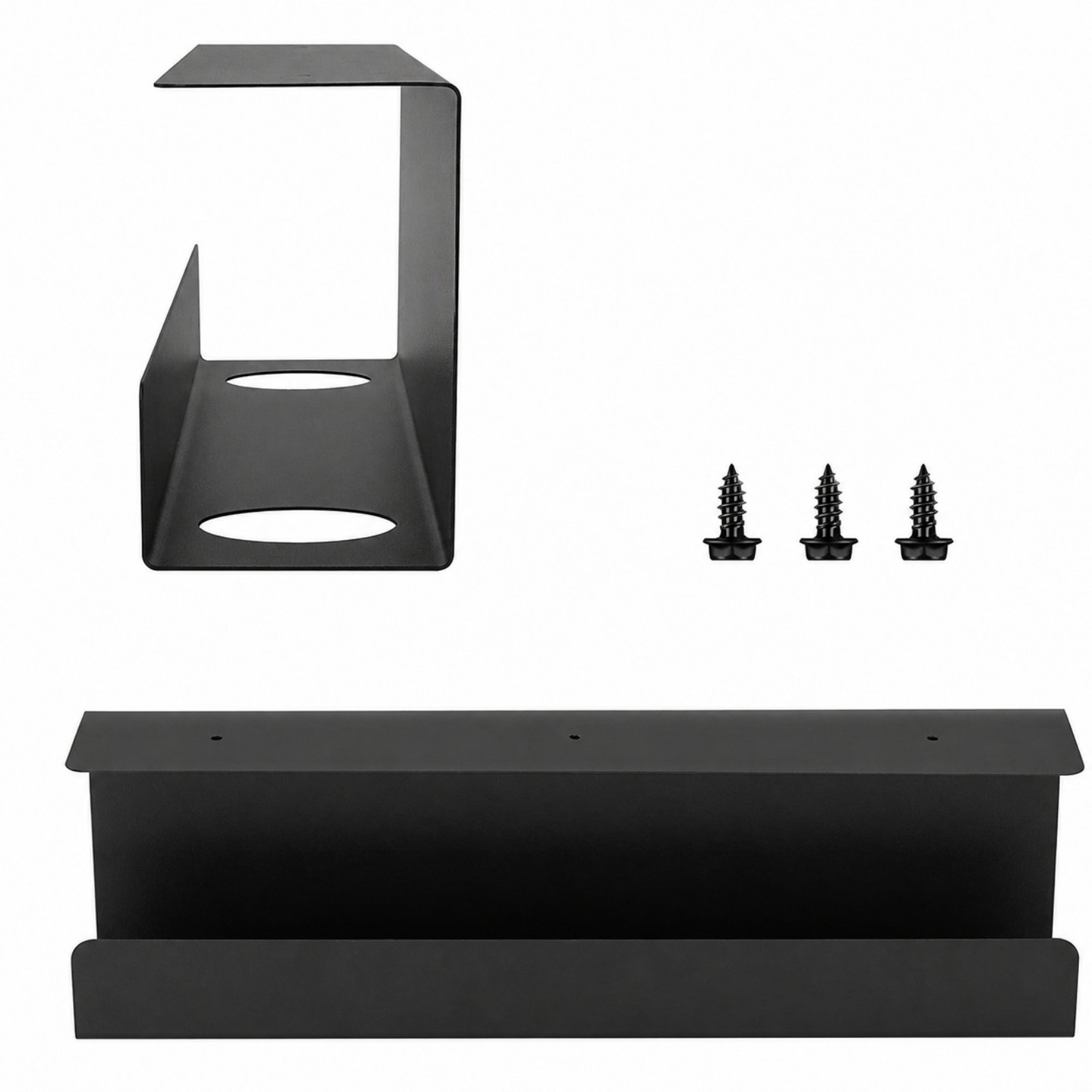
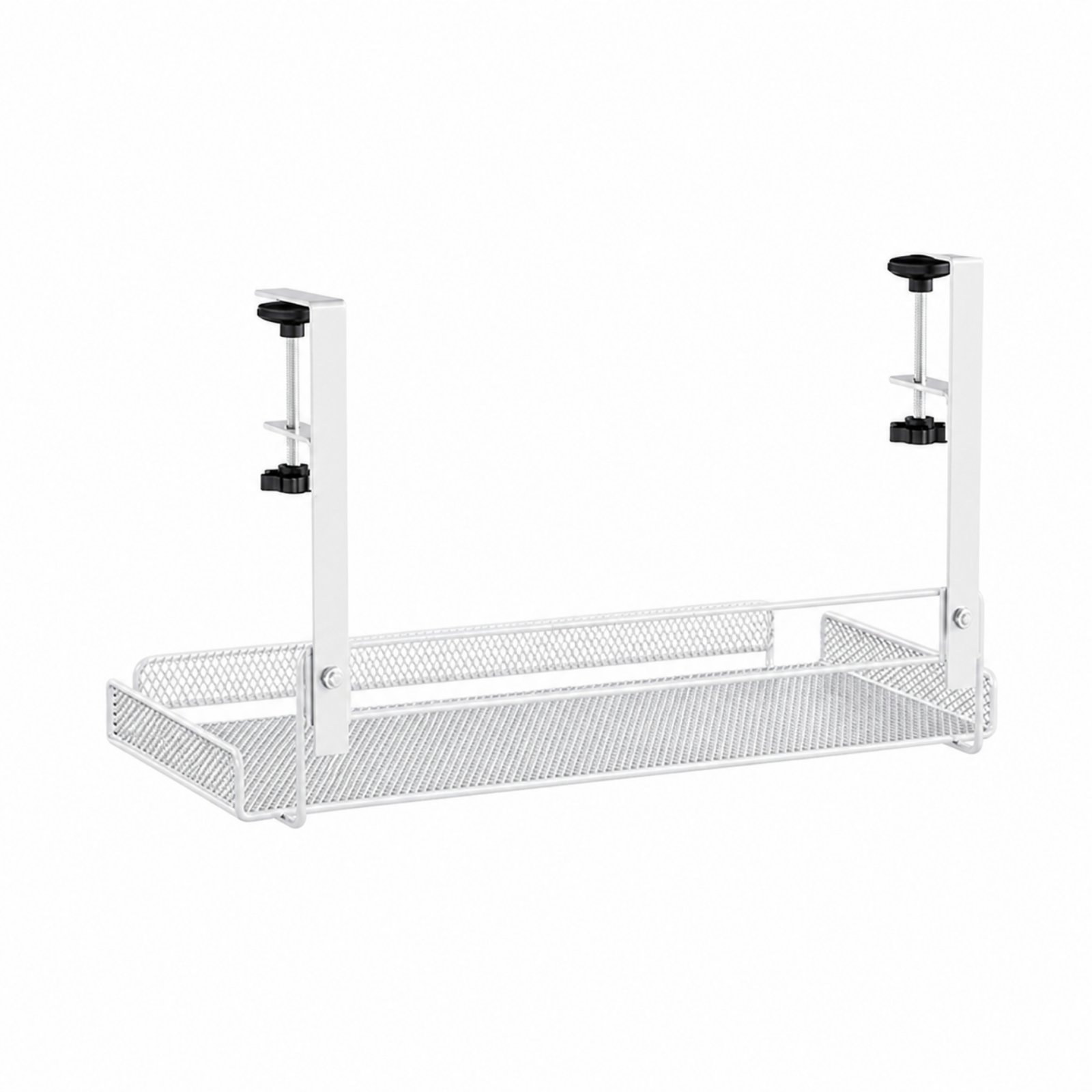
A dedicated tray is the easiest anchor point. A screw-mounted tray such as Desk Cable Management Tray works well when you want a fixed home for a power strip, adapters, and extra cord length under the desk. If you do not want to drill into the furniture, a clamp-on tray such as Metal Mesh Cable Tray gives you a similar place to corral cords and small accessories while avoiding permanent changes.
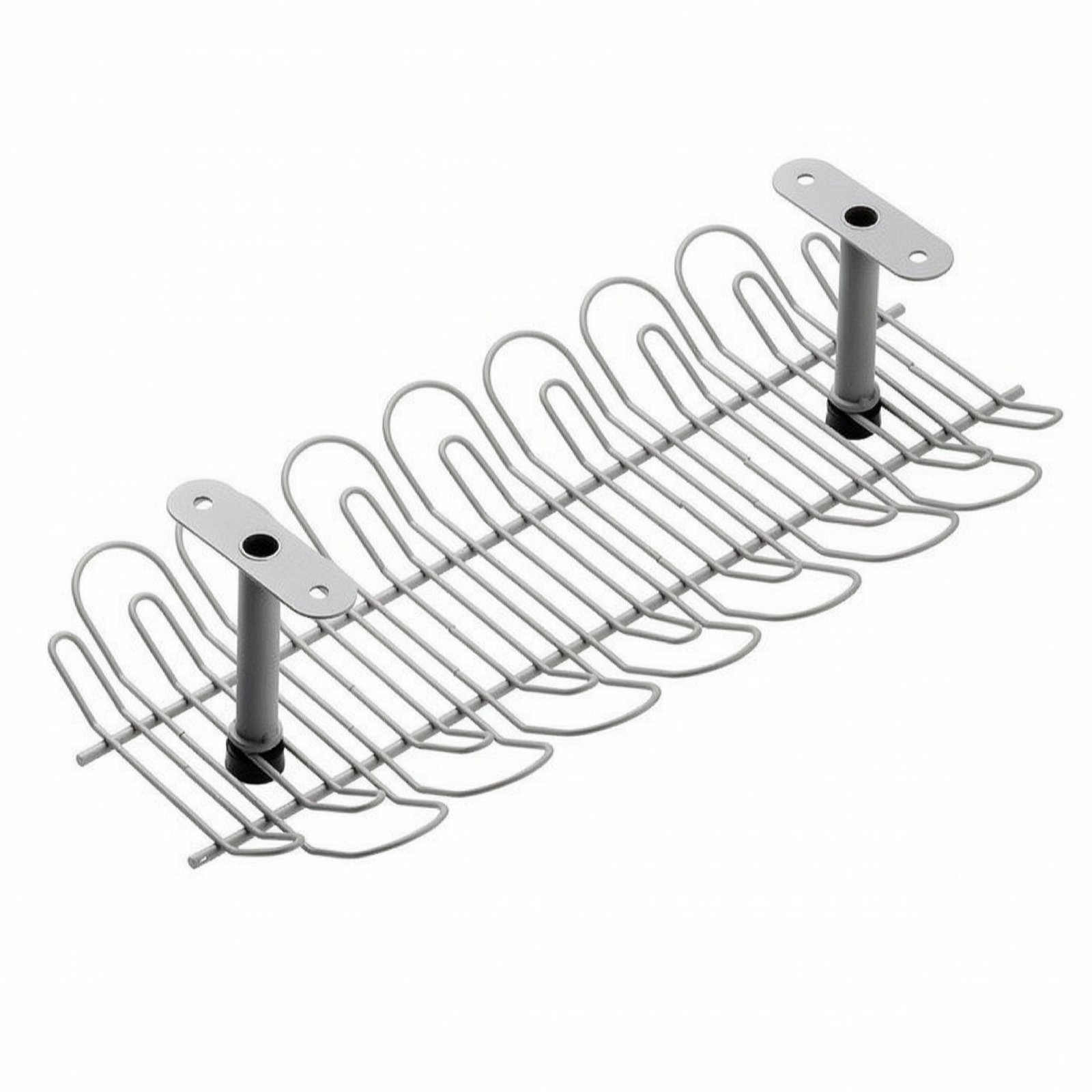
Open designs make routing easier. Under Desk Cable Management Tray uses an open wire-grid style so you can feed cables in from different sides and keep airflow around adapters. If you prefer a more enclosed channel, Metal Under-Desk Cable Tray gives you a long storage space with cable-routing openings that help separate entry and exit paths.
When comparing trays, look for how the cords get in and out, how secure the mounting method is for your furniture, and whether the tray shape leaves enough room for plugs and adapters without forcing tight bends. The right tray should make it easy to trace a cable later instead of hiding a tangled knot.
Choose support pieces for the devices that create cable clutter
A lot of cable mess is really device placement trouble. When laptops, towers, keyboards, and accessories sit in awkward spots, their cords have to cross open space, and the clutter returns even if you bundle everything once.
If your laptop usually lives on the desktop with its charging cable and peripherals draped over the edge, an under-desk holder like Under Desk Laptop Mount can shorten the visible cable run and clear the top surface. Its ventilated tray style is useful when you want the device stored below the desk but still accessible.
Desktop towers also create messy cable loops when they sit directly on the floor or too far from the desk edge. Rolling PC Floor Stand keeps the case off the floor and mobile, which helps when you need to reach rear ports for power, display, or network cables. Rolling PC Floor Stand measures 40 cm long, 22 cm wide, and 8 cm high, so check that your tower footprint fits before you buy.
Keyboard trays can help indirectly by moving a thick keyboard cable or several input-device wires off the main surface. A sliding unit such as Keyboard Tray with Sliding Rails tucks input gear away when not in use, which can reduce surface clutter and keep those cords running from one predictable place under the desk instead of from the front edge.
Think of these pieces as cable reducers rather than cable organizers. By changing where the device sits, they reduce how much cable is exposed and how many lines have to cross your legs, the floor, or the front edge of the bench.
Use ties and clips to control the last few inches
Once the main bundle is living in a tray, you only need small control points to stop droop and wandering. This is where ties and clips help, but only in moderation.
For heavier-duty bundling, 100-Piece Cable Tie PVC Coated Stainless Steel is useful because it is a self-locking cable tie with a coated surface, so it can secure groups of cords to a fixed path or hold a bundle together near the tray. 100-Piece Cable Tie PVC Coated Stainless Steel is listed as 5.6 × 550 mm, which is helpful when you need a long tie for larger bundles, but it also means you should avoid over-tightening smaller cords.
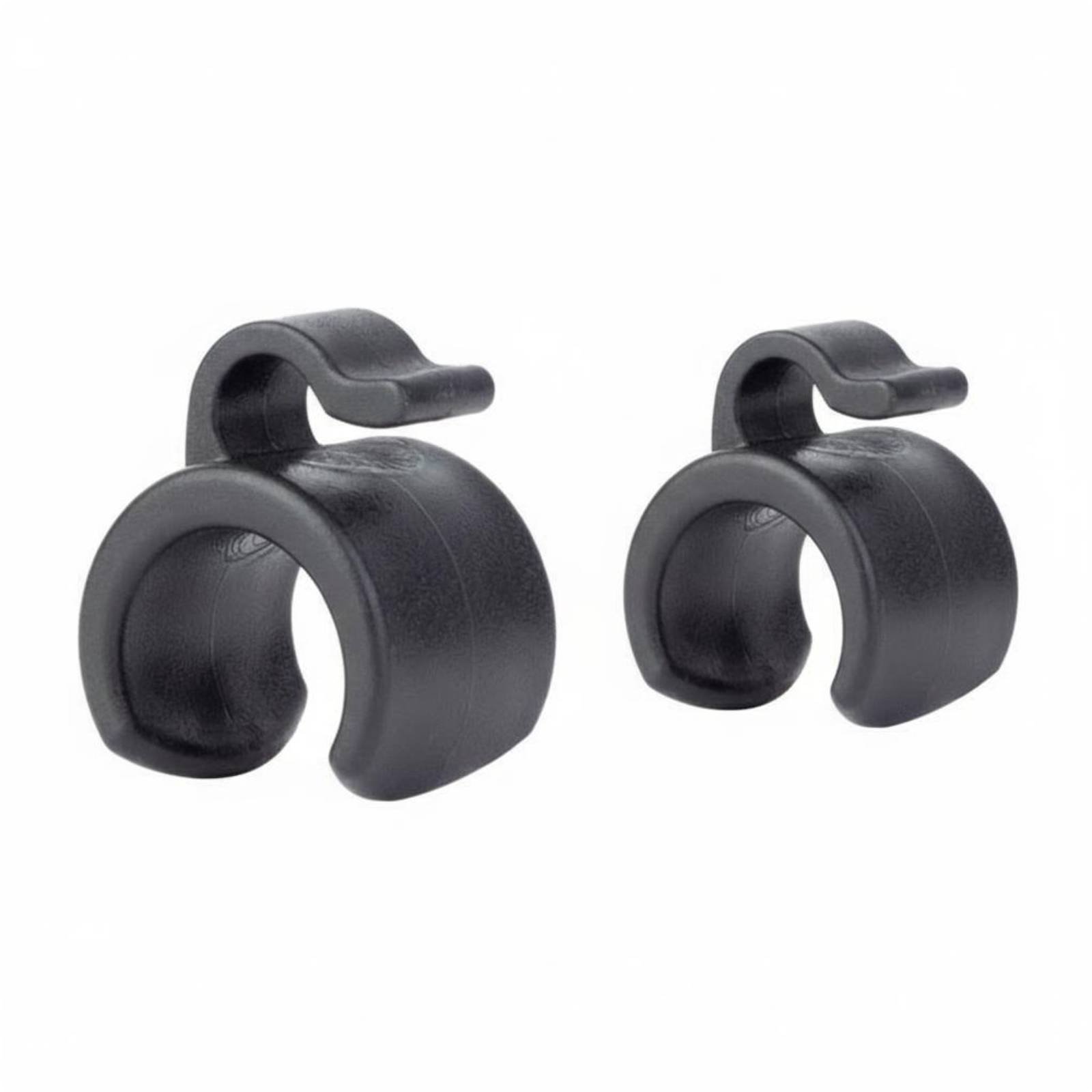
If you have cables running along a stand near the desk, Audio Stand Cable Clip is a better fit than a large tie because it is meant to hold wire against a stand while keeping the run tidy and accessible. That can help if your workspace includes a mic arm, light stand, or similar support next to the bench.
Try to keep signal, charging, and power leads arranged so each line can be followed by eye. Leave a little slack near anything that moves, slides, or gets unplugged often. The goal is not to bind every inch tightly; it is to stop sagging, catching, and accidental pulls while preserving access.
Common mistakes to avoid and how the whole system works together
The most common mistake is starting with ties before you decide where the cables should live. If there is no tray or destination point, bundled cords still end up hanging in a clump. Put the storage point under the desk first, then route each cable to it.
Another mistake is packing one tray with everything regardless of heat, plug size, or access. Leave room so adapters do not fight each other for space and so you can still unplug one device without tearing apart the whole setup. Open or ventilated styles like Under Desk Cable Management Tray or the mesh form of Metal Mesh Cable Tray can make this easier around bulky power accessories.
Do not mount a tray where your knees, chair arms, or drawers will hit it. Also check the underside of the furniture before choosing a screw-in option like Desk Cable Management Tray or Metal Under-Desk Cable Tray, because crossbars and frame parts can block placement. If you are unsure about drilling, a clamp style is usually easier to test and reposition.
A tidy system works in layers. The tray holds the shared bundle and power hardware; device mounts such as Under Desk Laptop Mount or Rolling PC Floor Stand shorten the messy runs caused by bulky equipment; then ties or clips keep the final paths neat. When those pieces support each other, your floor stays clearer, the desk edge looks cleaner, and maintenance gets much easier.
A typical kit
- Desk Cable Management TrayUse this as the main under-desk tray to hold a power strip, adapters, and the extra length from several cords in one fixed spot.
- Metal Mesh Cable TrayChoose this clamp-on tray when you want cable storage under the desk without making permanent mounting holes.
- Under Desk Cable Management TrayPick this open wire-grid tray when you want flexible cable entry from different sides and better visibility around adapters.
- Under Desk Laptop MountThis under-desk laptop mount gets a laptop off the work surface so its charging and peripheral cables can route from one controlled point.
- Rolling PC Floor StandThis rolling tower stand lifts a computer case off the floor and makes rear cable access easier during setup and cleaning.
- 100-Piece Cable Tie PVC Coated Stainless SteelUse these coated self-locking ties to bundle cable groups neatly after you have planned the route.
Questions people ask
Should I choose a screw-in tray or a clamp-on tray?
Choose a screw-in tray if you want a fixed installation that is less likely to shift once mounted. Choose a clamp-on tray if you do not want to drill into the desk or if you may want to reposition the tray later.
What is the easiest way to hide a power strip under a desk?
Put it in an under-desk tray instead of leaving it on the floor or hanging by its cord. A tray keeps the strip supported, gives extra cord length a place to sit, and makes it easier to route plugs in a deliberate direction.
Can I just use cable ties and skip the tray?
You can, but ties alone usually turn loose cords into one hanging bundle rather than truly organizing them. A tray gives the cables a destination, while ties are better for controlling short sections and keeping the route neat.
How do I keep cables tidy if I move devices often?
Leave a little service slack near anything that slides, rolls, or gets unplugged often. For moving gear, focus on a tray for the shared bundle and avoid tying every cable too tightly, so changes are easier later.
Will a laptop mount or tower stand really help with cable mess?
Yes, because a lot of visible cable clutter comes from where devices sit, not from the cords alone. Moving a laptop under the desk or lifting a tower off the floor can shorten cable runs and keep them from crossing open space.
Shop the list
Everything mentioned above
Prices and delivery windows are live from our catalog.
Desk Cable Management Tray
Metal Mesh Cable Tray
Under Desk Cable Management Tray
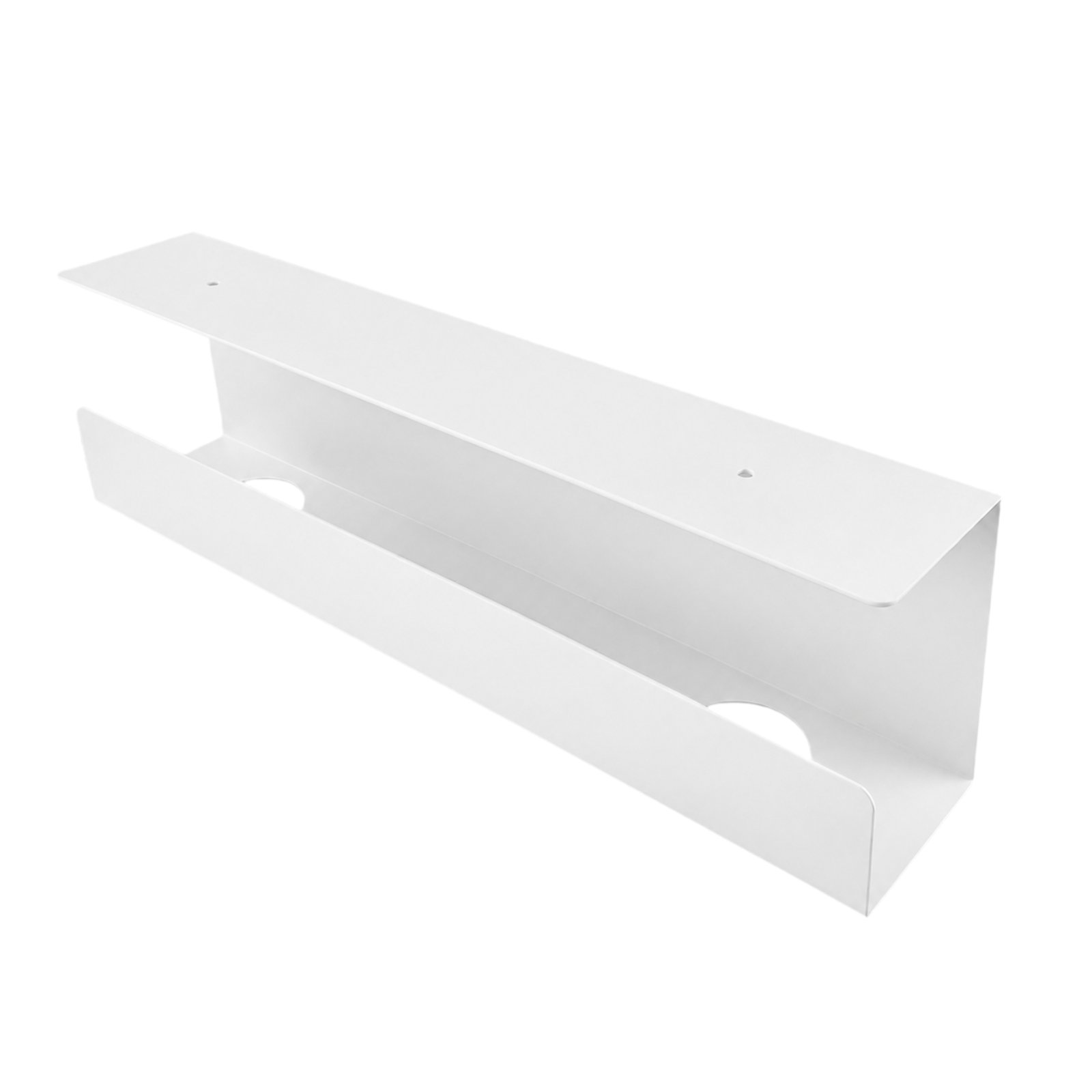
Metal Under-Desk Cable Tray
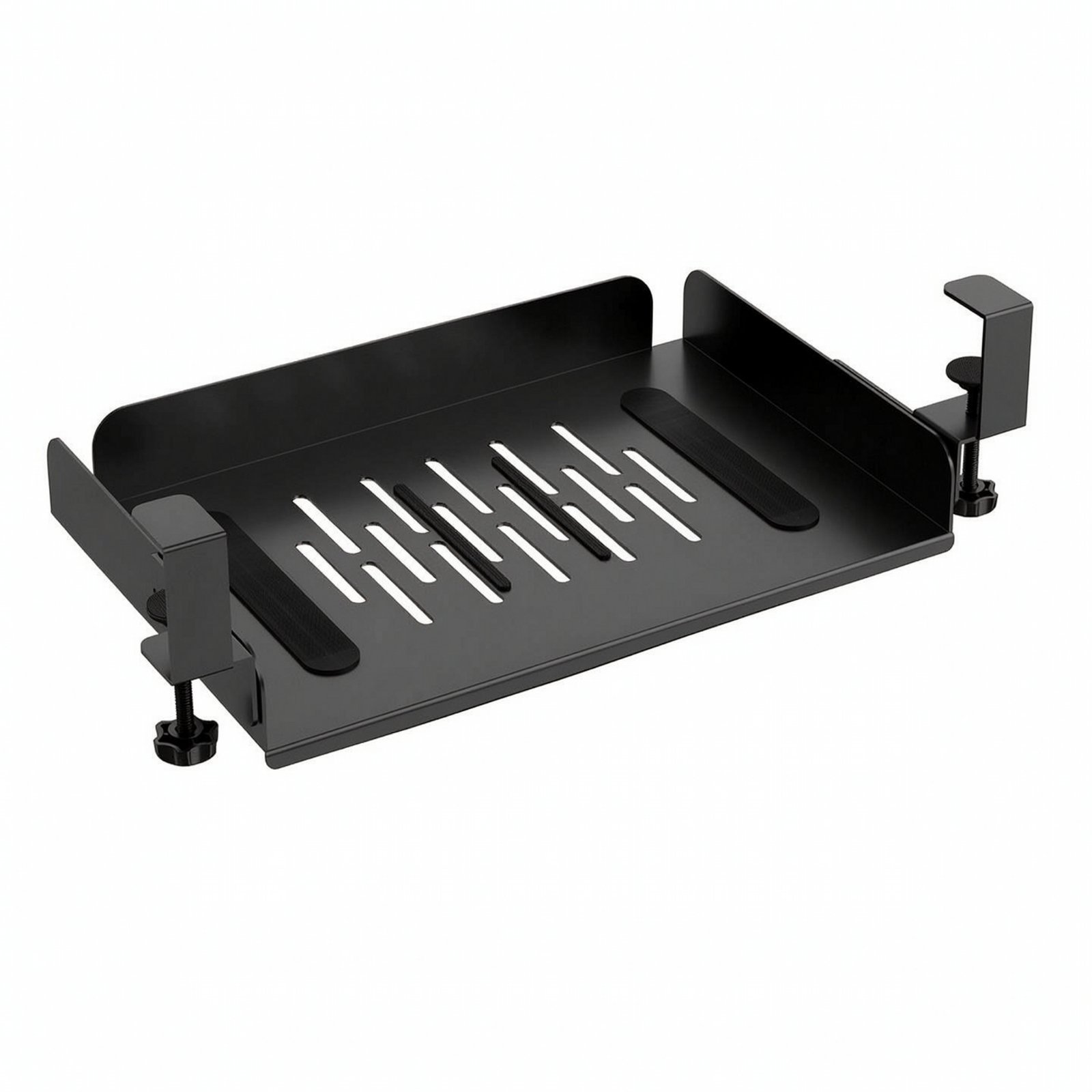
Under Desk Laptop Mount – Black
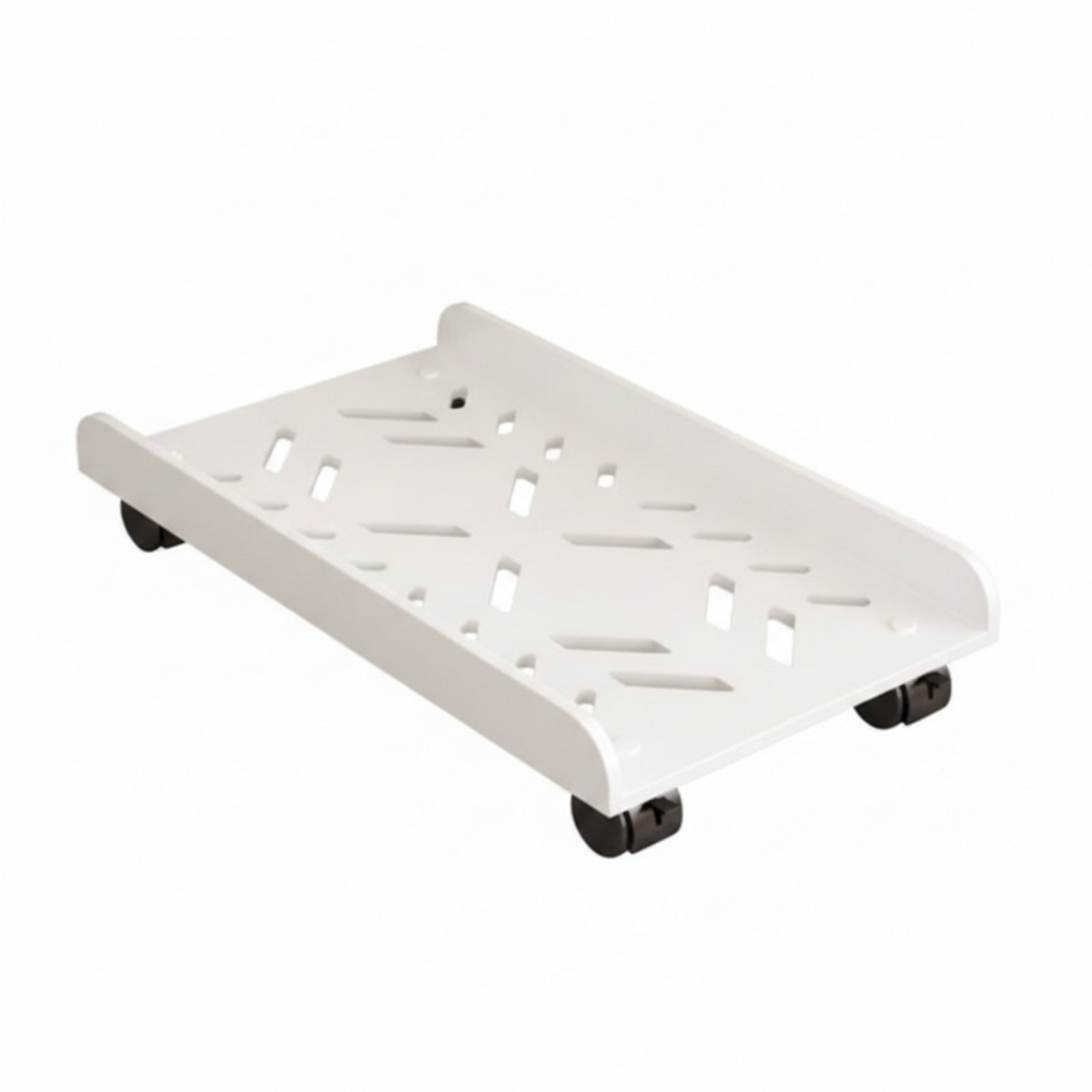
Rolling PC Floor Stand
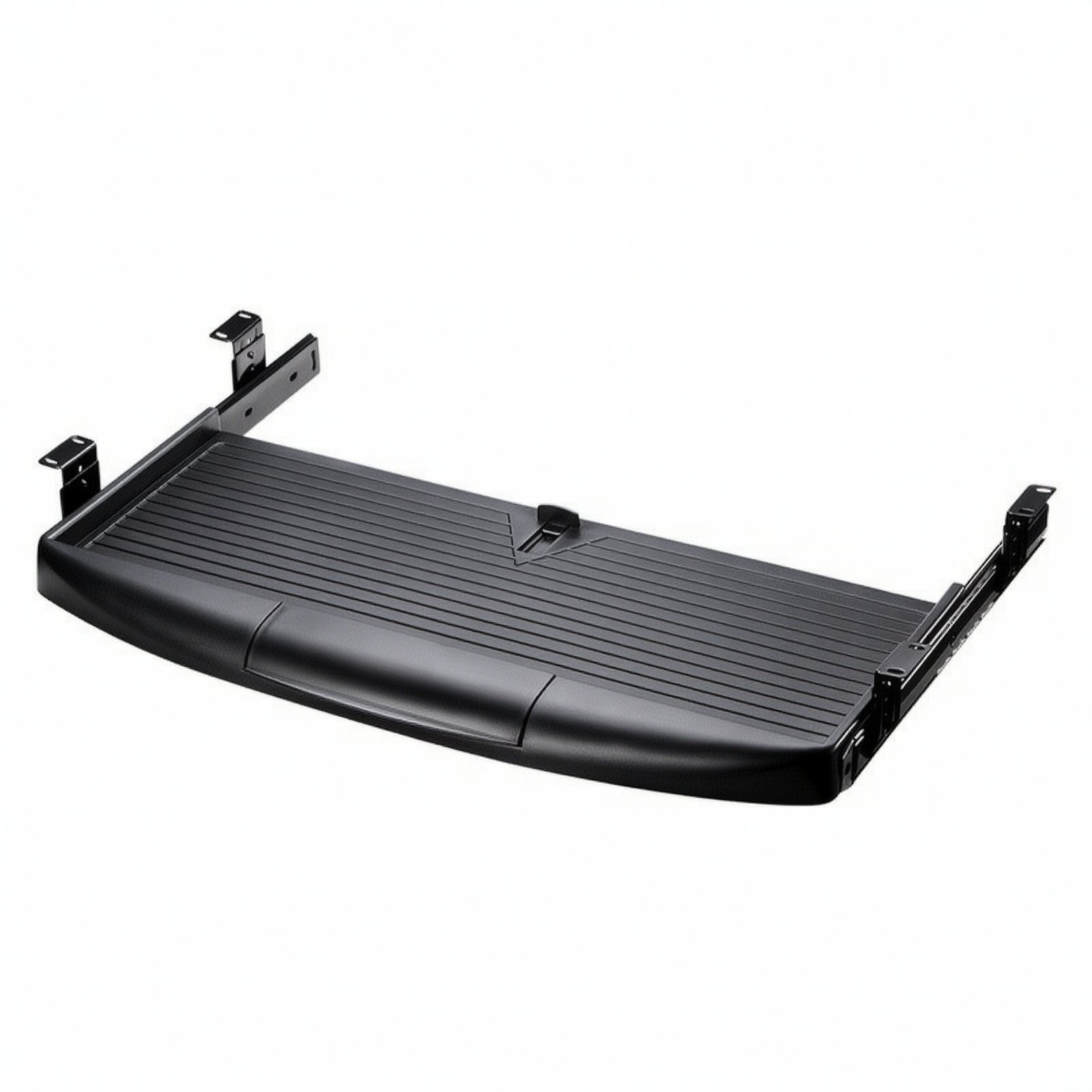
Keyboard Tray with Sliding Rails

100-Piece Cable Tie PVC Coated Stainless Steel – 5.6*550mm